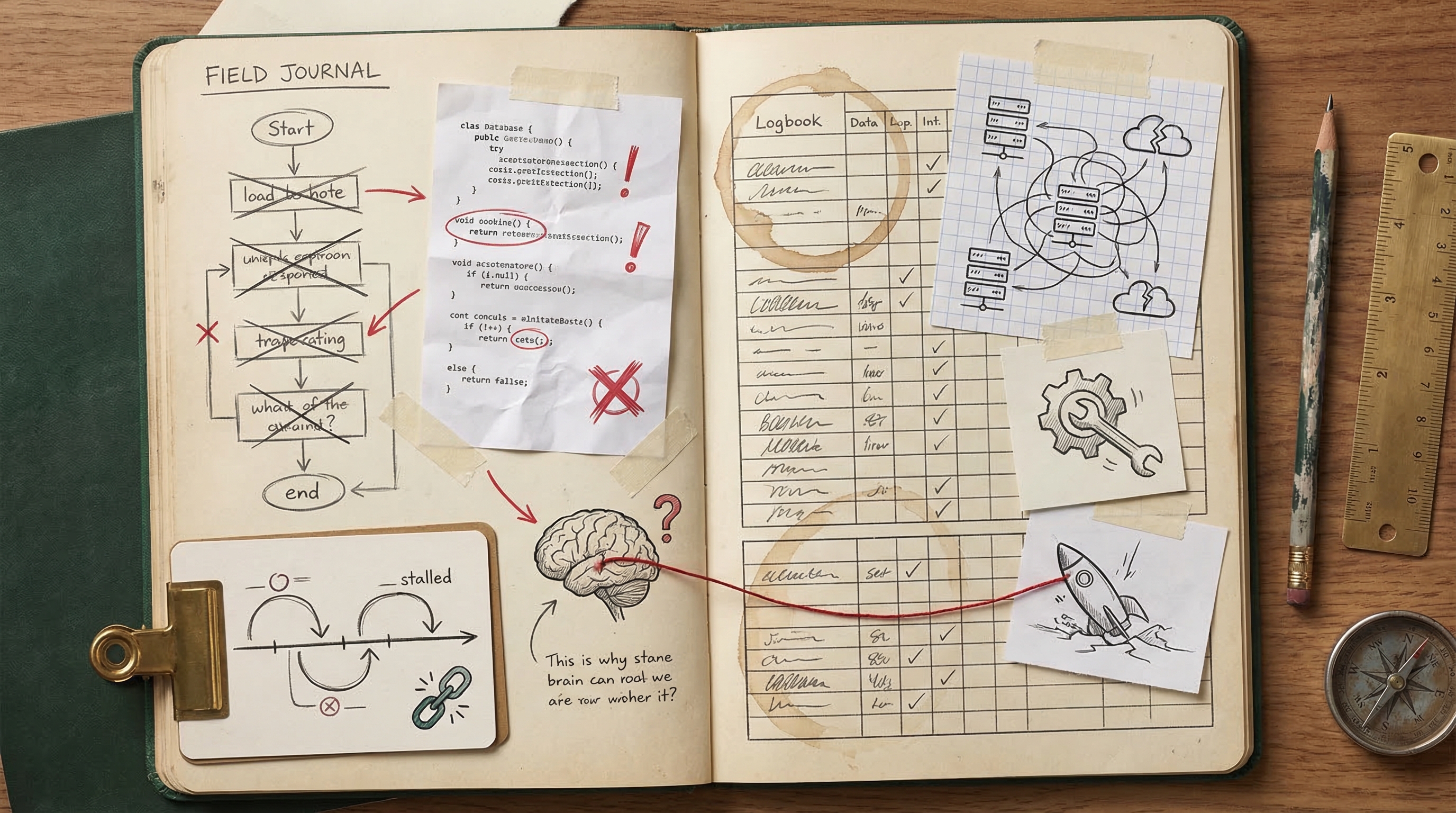
Where Things Go Wrong
An honest friction log from 338 sessions — buggy code, planning paralysis, and deployment gotchas
Every post about AI coding tools tells you how great they are. This one tells you where they break.
After 338 sessions, I've accumulated a detailed friction log. Not theoretical concerns — actual things that went wrong, cost time, and sometimes killed entire sessions. Here's the unfiltered version.
Buggy Code Shipped Without Adequate Verification
Claude frequently delivers code with runtime bugs that only surface when I test or deploy, forcing me into multiple fix cycles. I could ask Claude to run builds, write quick smoke tests, or verify its own changes more thoroughly before declaring a task done.
Real examples from my sessions:
- Multiple bugs shipped in the embeddable chat demo — importing a client-only function in a server component, a missing env var for the widget URL, and assigning a string instead of a function — all requiring I to report each bug back individually across three rounds of fixes.
- The simulation run insert was not awaited, causing intermittent data loss on Vercel serverless that I had to discover and report myself, because Claude didn't consider async behavior in a serverless environment.
Excessive Planning and Exploration Without Producing Output
In multiple sessions, Claude spent the entire available time reading files and writing plans without generating any actual code, forcing me to interrupt. I could front-load context in my prompt (e.g., specifying key files and desired architecture) and explicitly instruct Claude to skip extended planning and start implementing immediately.
Real examples from my sessions:
- I asked for a Remotion animated explainer video, but Claude spent the entire 8-minute session reading files and planning without producing a single line of Remotion code before I interrupted.
- I asked for a Vercel-hosted dev log blog site, but Claude got stuck in extensive codebase exploration and plan-writing without delivering any code, leading I to interrupt a second time on what was essentially the same task.
Git and Deployment Workflow Missteps
Claude makes errors in git operations and deployment steps — pushing to wrong branches, failing to push changes, and struggling with environment configuration — which derails my shipping flow. I could establish explicit workflow instructions (e.g., always push to main after merge, always verify target branch) in my CLAUDE.md or session prompts.
Real examples from my sessions:
- A URL regex bug required a cherry-pick because Claude merged the PR before the fix was pushed, and I had to ask twice about pushing to main because Claude didn't initially push the cherry-pick commit.
- Claude pushed prompt improvements to a feature branch after it had already been merged instead of pushing to main, and separately struggled with Vercel CLI project linking (auto-matching to the wrong project), forcing me to set env vars manually.
Buggy Code Shipped Without Adequate Self-Testing
Claude frequently delivers implementations with bugs that I end up catching in production or during testing, rather than Claude catching them itself. I could mitigate this by asking Claude to run builds, lint checks, or write quick smoke tests before declaring a task complete.
Real examples from my sessions:
- Multiple bugs shipped in the embeddable chat demo — a server component importing a client-only function, a missing env var for the widget URL, and a string assigned instead of a function — all requiring I to report each fix individually
- The simulation run insert was not awaited, causing intermittent data loss on Vercel serverless that I had to discover and report myself
Excessive Planning Without Producing Output
Claude sometimes enters extended exploration and planning loops — reading files and writing plans for 8+ minutes — without generating any actual code, forcing me to interrupt. I could address this by setting explicit time or step limits in my prompts (e.g., 'skip planning, just build it') or breaking tasks into smaller implementation-first chunks.
Real examples from my sessions:
- Claude spent an entire 8-minute session reading files and planning without producing any Remotion code for the the platform explainer video, prompting I to interrupt with nothing delivered
- The Vercel-hosted dev log blog session ended with Claude stuck in extensive exploration and planning without producing any deliverable before I interrupted
Misunderstood Scope or Overclaimed Completion
Claude sometimes misinterprets the boundaries of my request — placing content in the wrong location, overclaiming what's been accomplished, or building something that doesn't match my actual intent. I could reduce this by front-loading explicit acceptance criteria or asking Claude to confirm its understanding before executing.
Real examples from my sessions:
- Claude initially overclaimed Google Ads campaign status, saying everything was set up when only one campaign was configured, requiring I to correct inaccurate status claims
- The dev blog implementation exposed raw session transcripts when I actually wanted curated, analyzed blog posts — a fundamental misunderstanding of the deliverable that required a mid-session pivot
Over-Scoping and Unsolicited Expansion
Claude frequently escalates simple requests into full-blown architecture plans, file creation sprees, or comprehensive restructuring efforts, forcing me to interrupt and redirect. I could mitigate this by being explicit about scope boundaries upfront (e.g., 'just do X, don't plan anything else') or by adding instructions to my CLAUDE.md that say 'ask before expanding scope.'
Real examples from my sessions:
- I asked what process automation entails and Claude escalated from a curiosity question into full architecture planning and file writing, leading I to interrupt the session
- I asked Claude to update sponsor designations and it went into plan mode to restructure all projects instead of making the quick edits I requested, requiring another interruption
Wrong Assumptions About Data and Codebase
Claude sometimes builds entire implementations based on incorrect assumptions about my data formats, file structures, or project state — resulting in wasted effort and full reverts. I could reduce this by pointing Claude to the specific files or formats it should reference before it starts coding, or by asking it to verify its assumptions before implementing.
Real examples from my sessions:
- Claude built an entire 'Wrapped' feature around parsing a JSON upload file that doesn't exist — my insights command only generates report.html — requiring a full revert of the feature
- Claude overclaimed Google Ads campaign status (said all were set up when only one was) and had incorrect understanding of the billing state, requiring I to correct inaccurate claims before proceeding
Excessive Planning Instead of Executing
In multiple sessions, Claude got stuck in exploration and planning loops — reading files, drafting plans, and structuring approaches — without producing actual output before I ran out of patience and interrupted. I could address this by adding a CLAUDE.md instruction like 'bias toward implementation over planning' or by explicitly telling Claude to skip planning and start building.
Real examples from my sessions:
- I asked for a Remotion animated explainer video and Claude spent the entire session planning and reading files without producing any output before I interrupted
- I asked for a demo page showcasing the embeddable chat feature and Claude got stuck in planning/exploration loops, never producing any implementation before I interrupted
The Honest Numbers
53buggy code incidents 47wrong approaches
These aren't edge cases. Across 338 sessions and 256 commits, roughly 1 in 4 sessions hit meaningful friction. The productive output still far outweighs the cost — but pretending friction doesn't exist makes you worse at managing it.
What I've Learned About Managing Friction
The single biggest improvement: make Claude verify its own work before declaring done. Adding npx tsc --noEmit after every implementation pass catches the majority of shipped bugs. It's a 5-second check that saves 15-minute debugging cycles.
The counterintuitive lesson: The solution to buggy AI code isn't more careful prompting — it's faster verification loops. Don't try to prevent bugs; catch them immediately.
The second biggest improvement: interrupt early when Claude starts over-planning. If Claude is reading files and writing plans after 2 minutes without producing code, it's stuck. Kill it, restate the goal more concretely, and tell it to start implementing immediately.